


How to install Debian 12.
Connect to java/html5 console, (here you can find an article that will show you how) How to access java/html5 console :
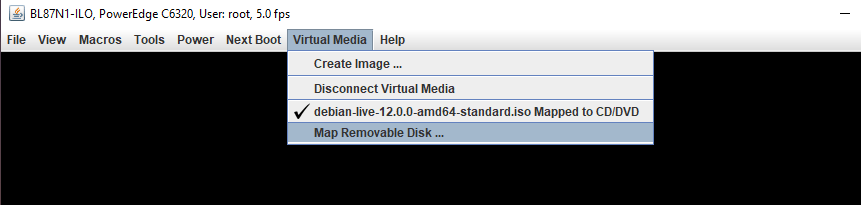
- Mount ISO: Virtual media > Connect Virtual Image > Map CD/DVD

Click on: Connect Virtual Media.

Click on: Map CD/DVD.
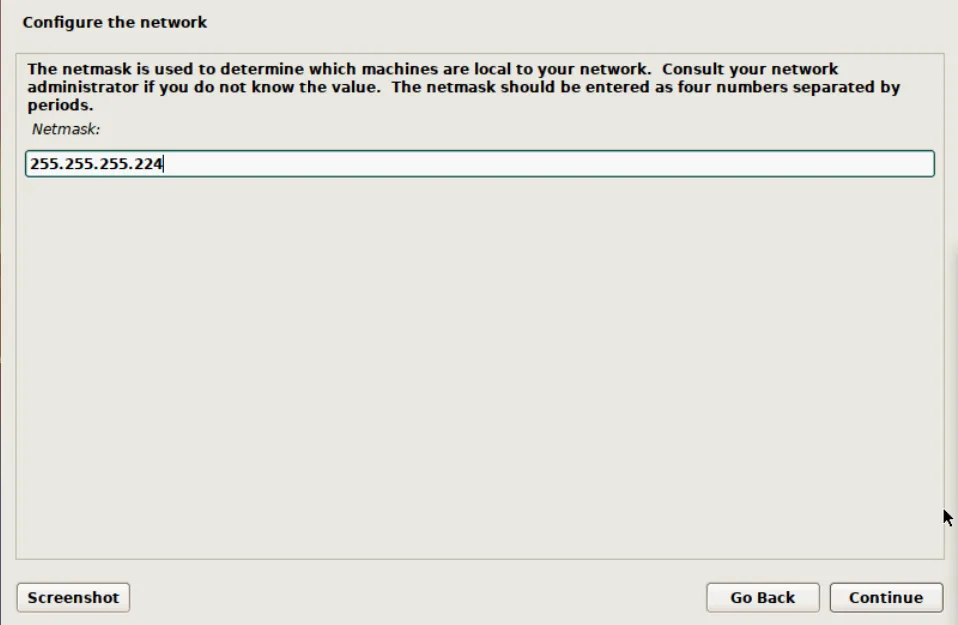
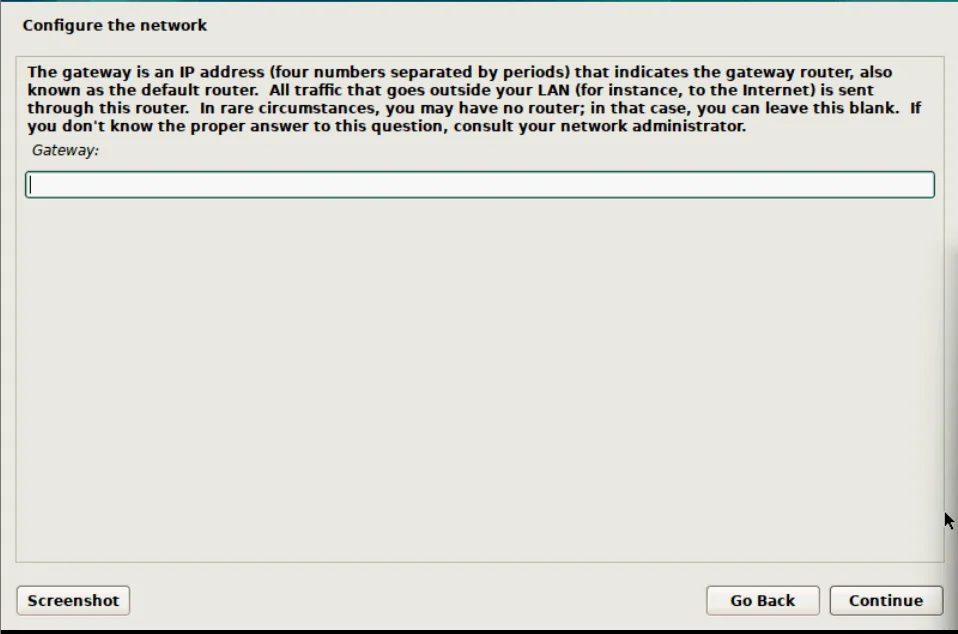
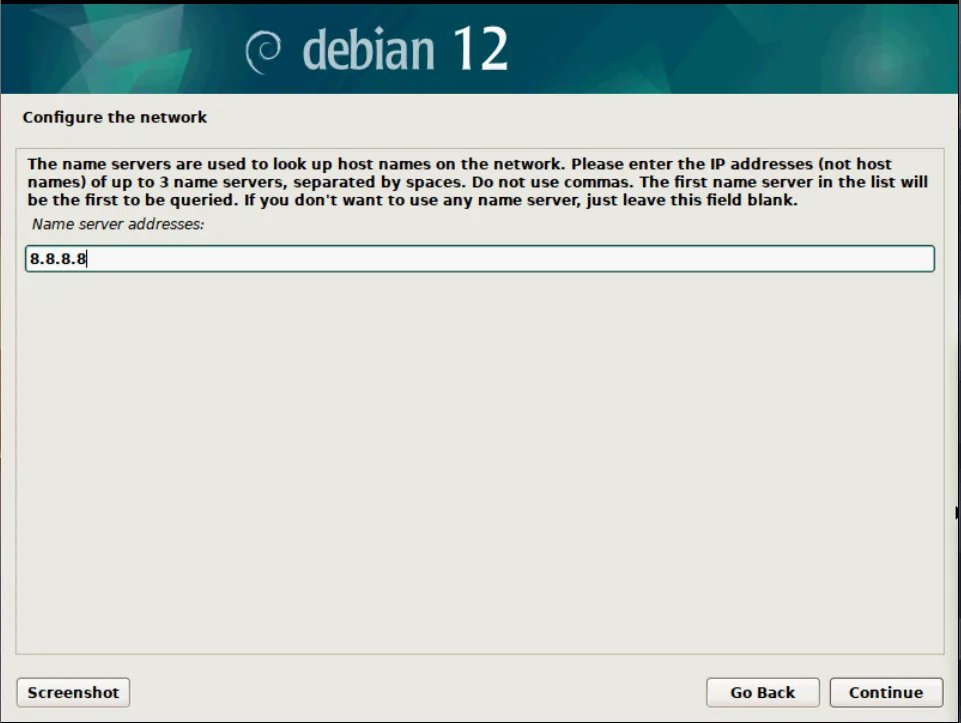
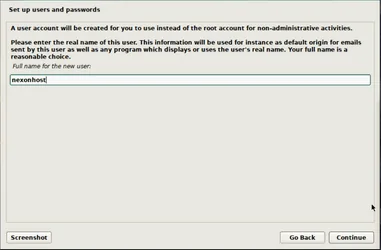
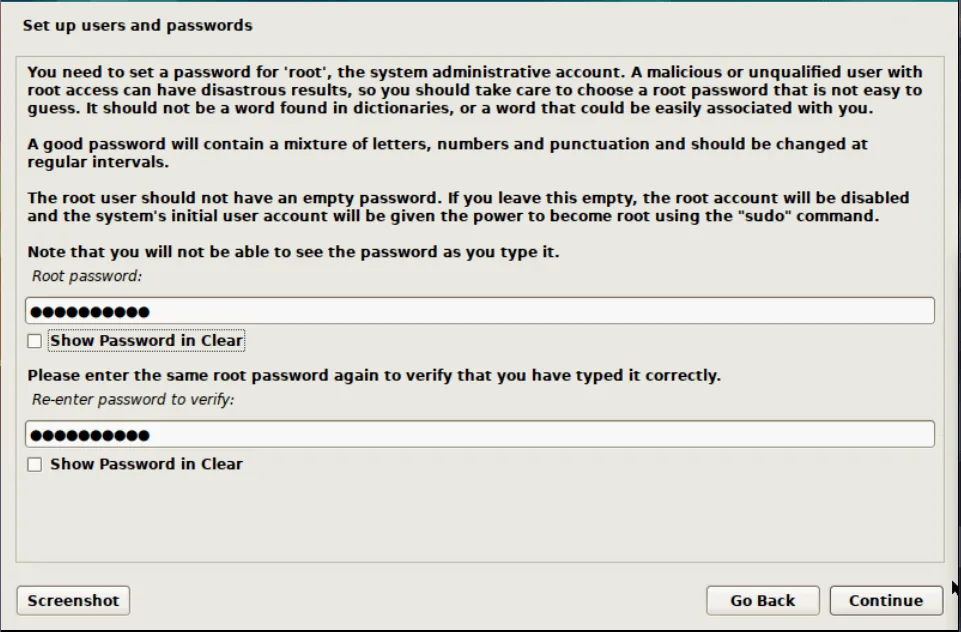
- Set users and password:
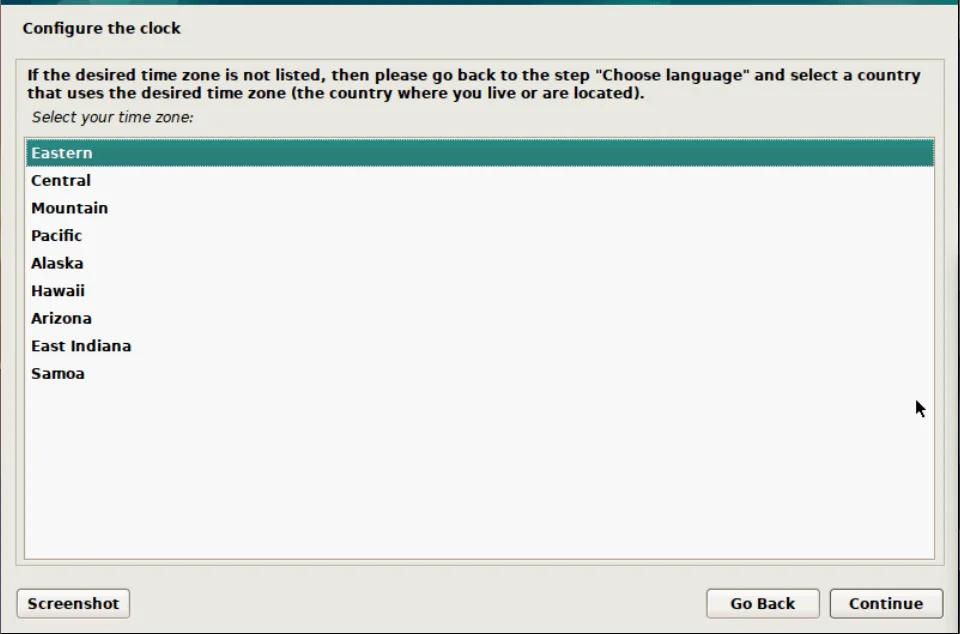
- Chose your time zone:
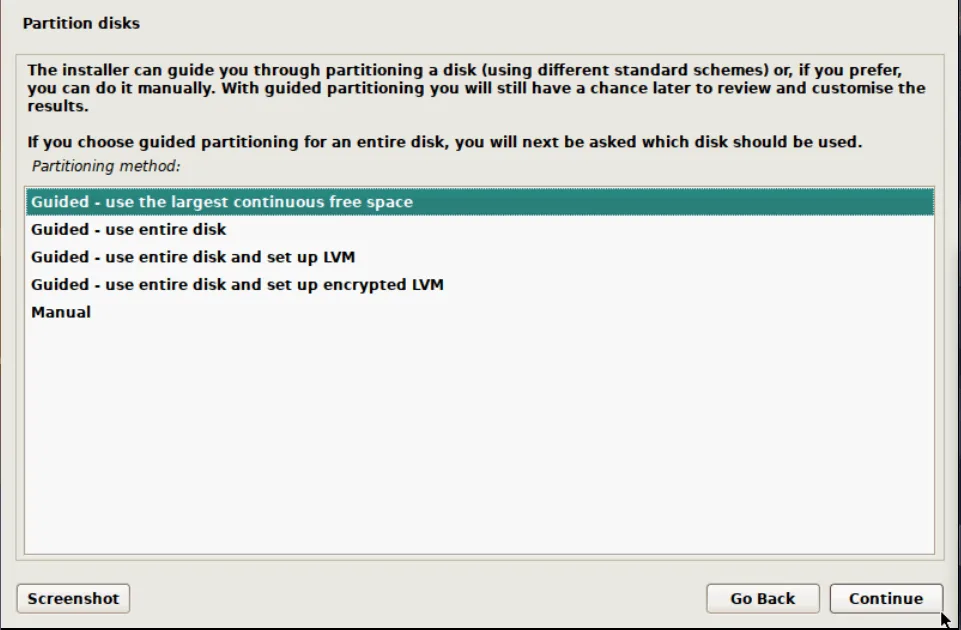
- Select entire disk:
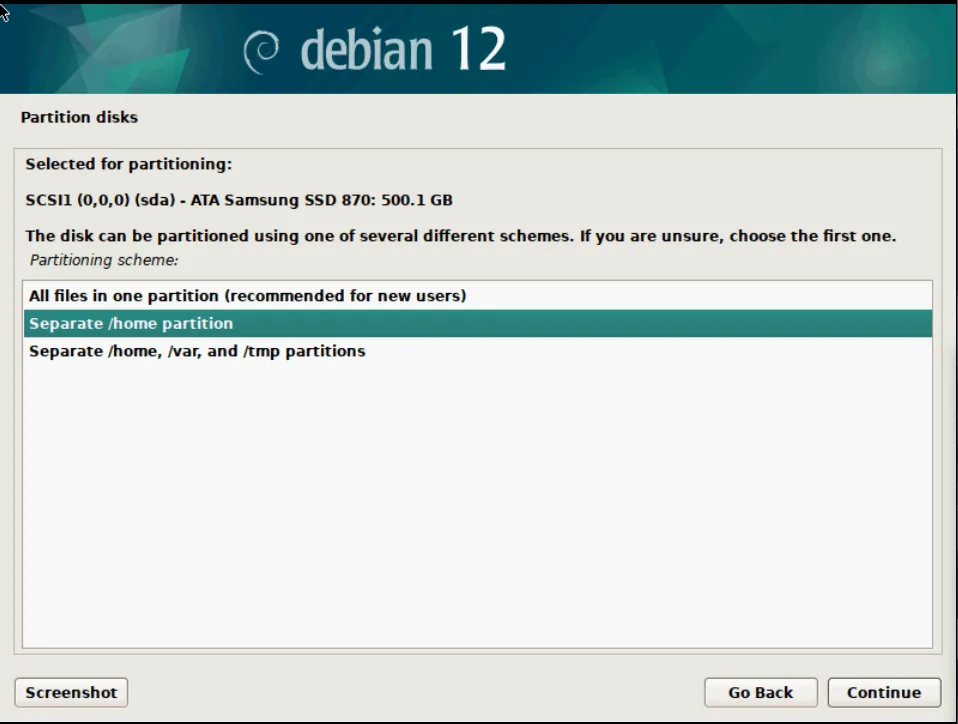
- Finish partitioning and press continue → press yes :
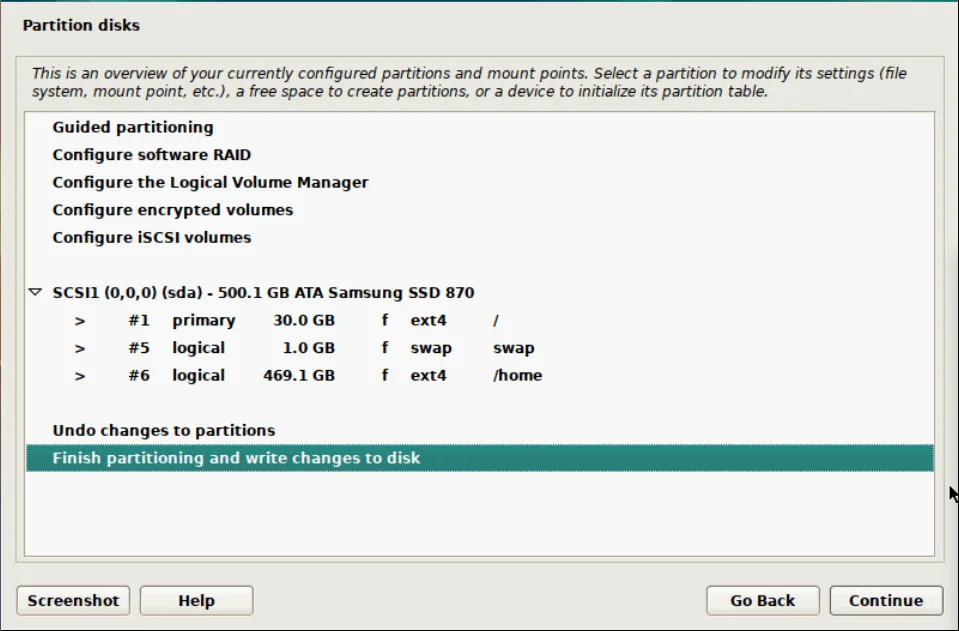
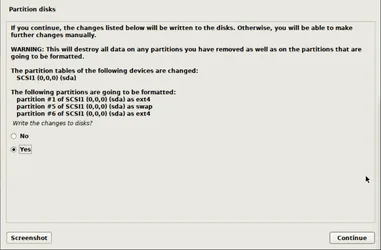
- Use a network mirror → press yes and continue:
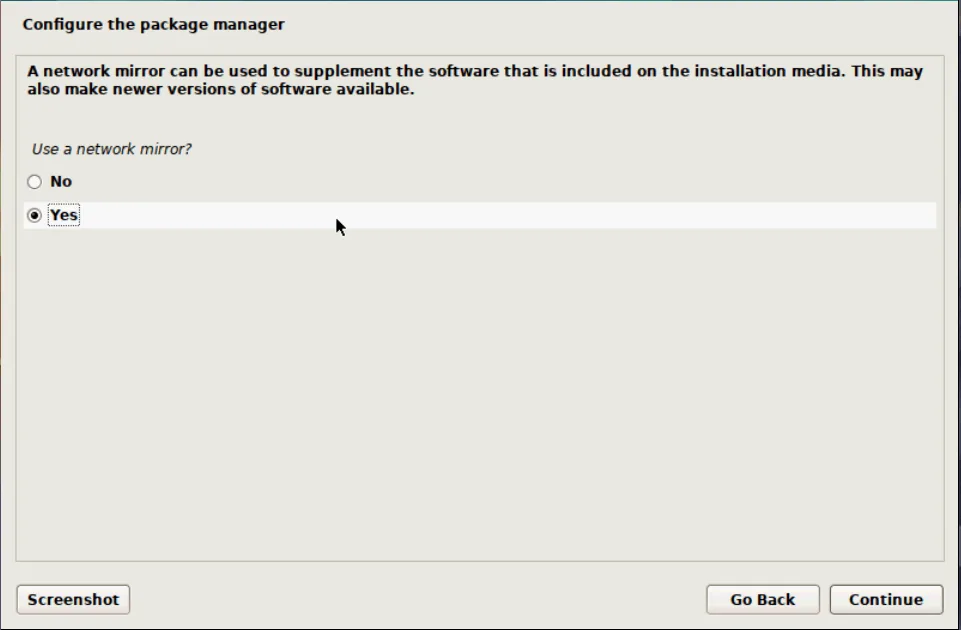
- Select your country and press continue:
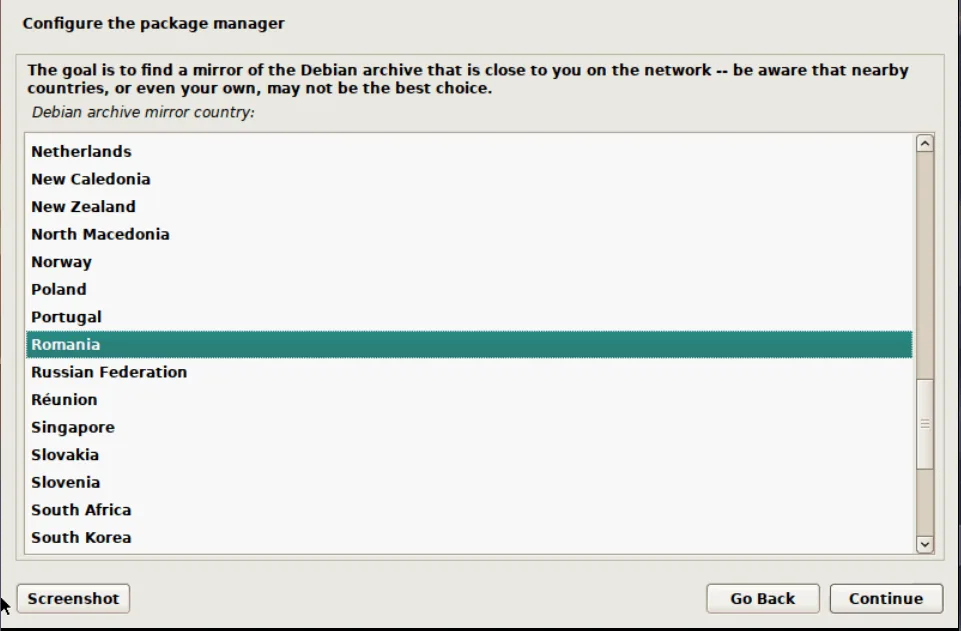
- Configure the package manager.
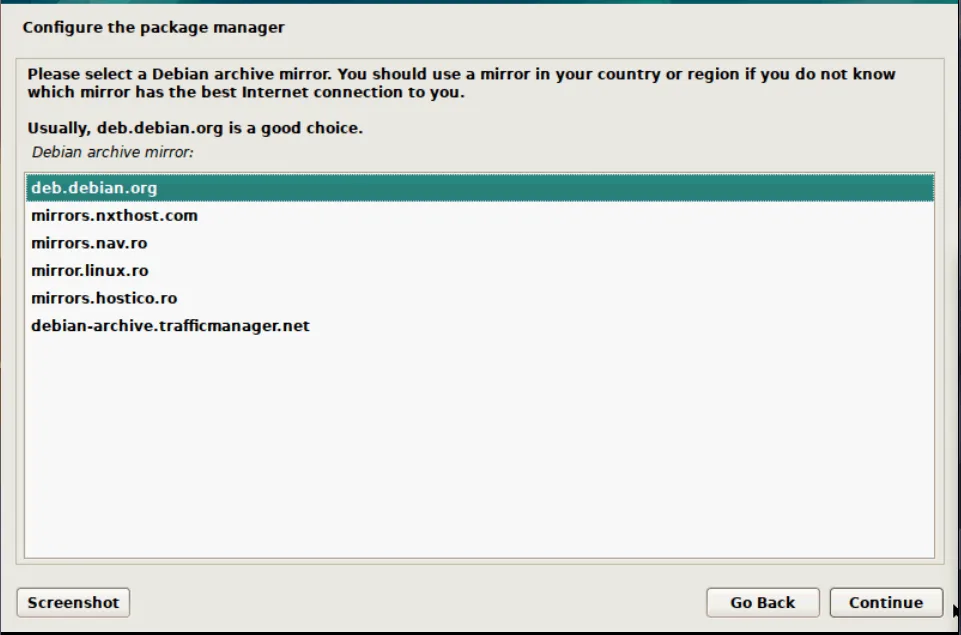
- Press yes and continue:
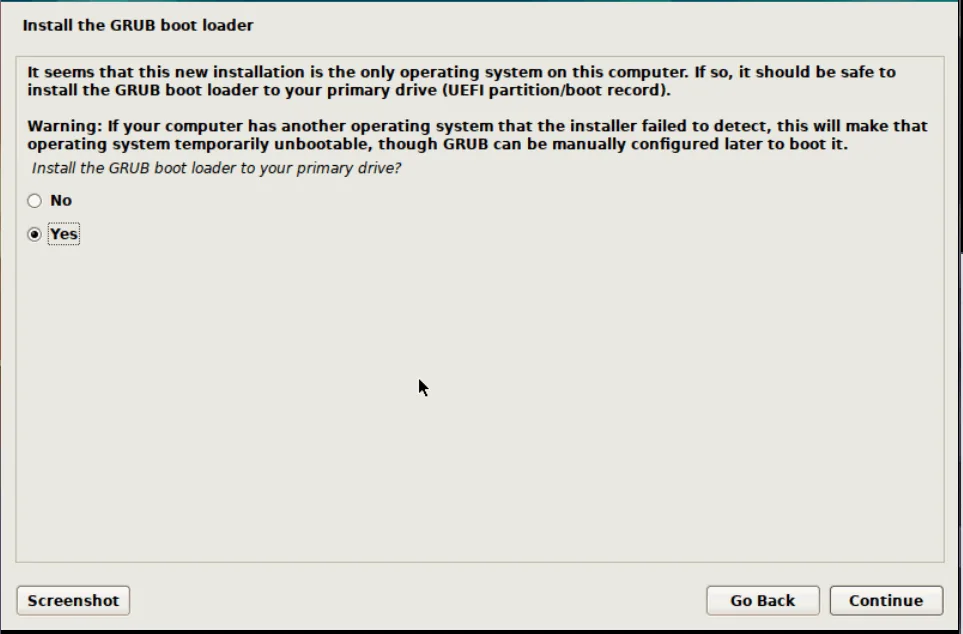
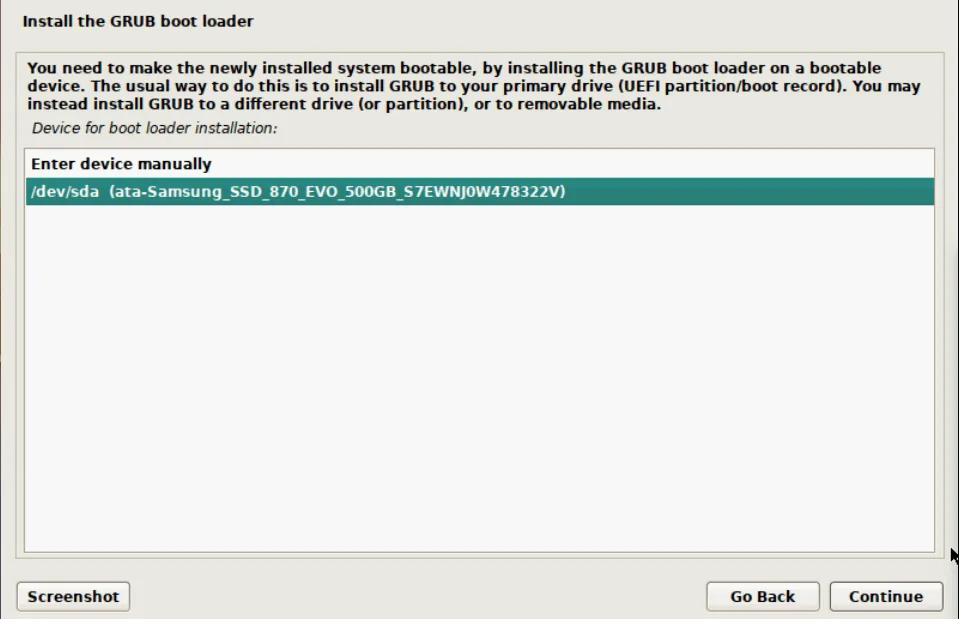
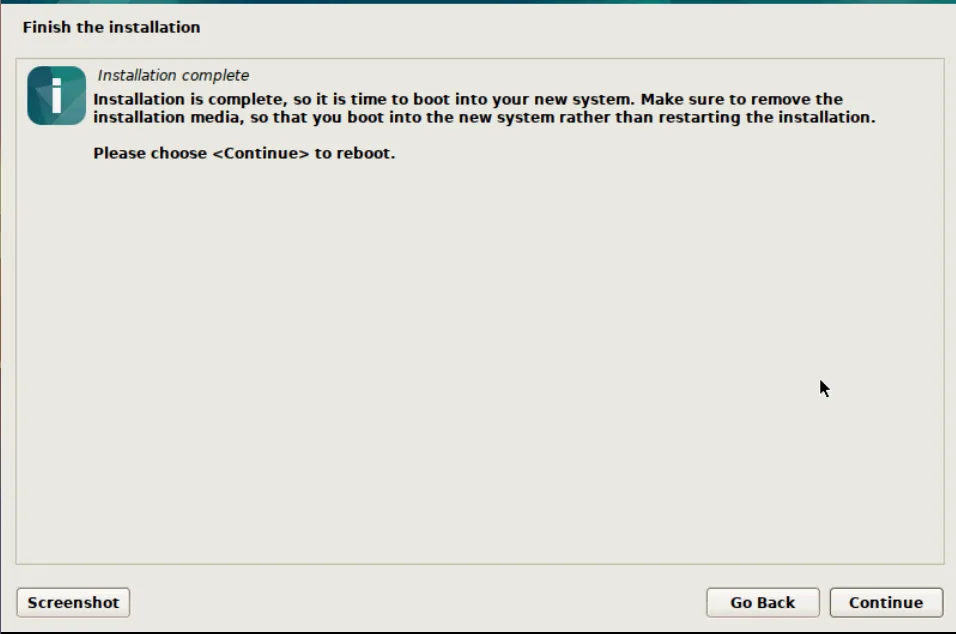
- After installation press continue:
- Create root password/ enable root access:
ssh nexonhost@89………
su
passwd
nano /etc/ssh/sshd_config
#PermitRootLogin prohibit-password > PermitRootLogin yes
systemctl restart sshd
#exit
#connect root
deluser nexonhost
echo > .bash_history
