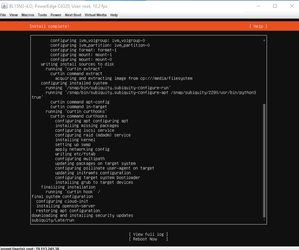


















How to Set up Network Bonding Ubuntu 20
Connect to java/html5 console, (here you can find an article that will show you how) How to access java/html5 console :
Mount ISO: Virtual media > Connect Virtual Image > Map CD/DVD
Next Boot > Virtual CD/DVD/ISO
Power > Reset System
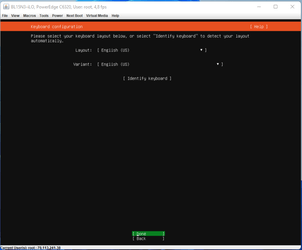
Install > Enlish keyboard > Done
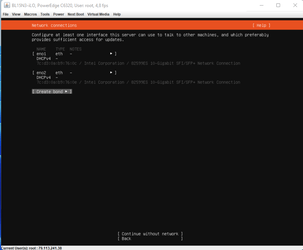
Create bond >
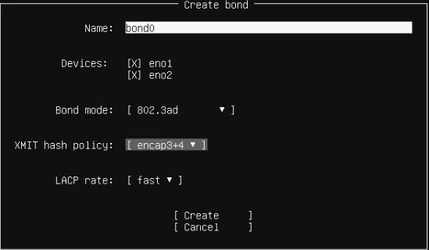
Set up bond0
> check eno1 ano2 box
> bond mode 802.3ad
> XMIT hash policy layer 3 +4
> LACP rate fast
> Create
Configure the interface with bond
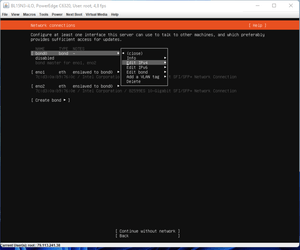
Set up IPV4 configuration >Save
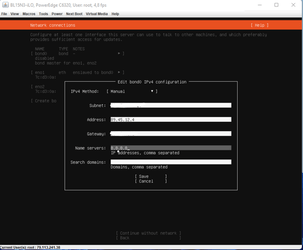
> Done
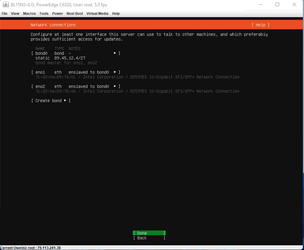
>Done
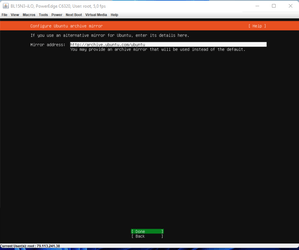
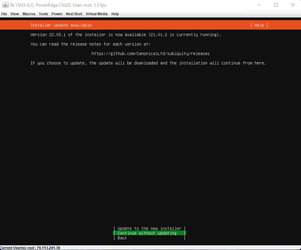
>Continue without updating
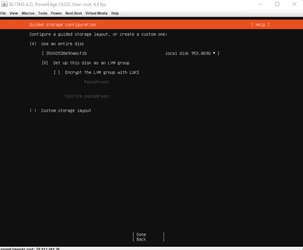
Check use entire disk > done
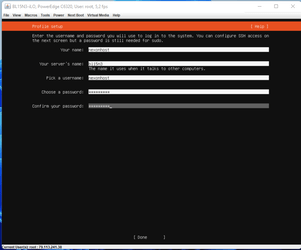
Complete profile setup > done
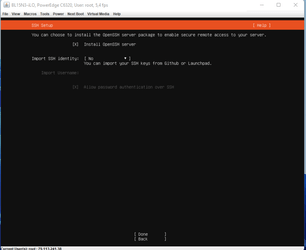
Check install openssh server box > done
When install is complet > Reboot now