


















How to install ubuntu 18.04.6
Connect to java/html5 console, (here you can find an article that will show you how) How to access java/html5 console :
- Mount ISO: Virtual media > Connect Virtual Image > Map CD/DVD
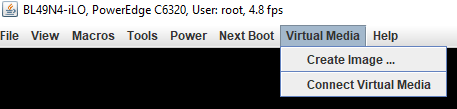
Click on: Connect Virtual Media.
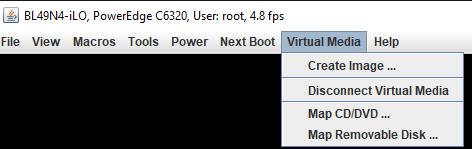
Click on: Map CD/DVD.
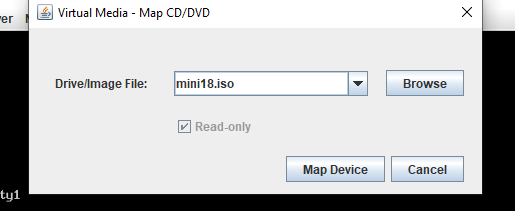
Now click on: Map Device.
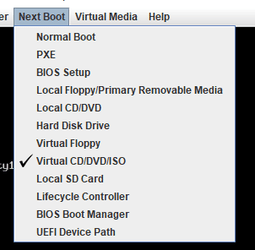
- Next Boot > Virtual CD/DVD/ISO
- Power > Reset System(warm boot)
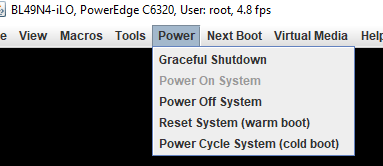
- Then click on: Reset system (warm boot)
- Install
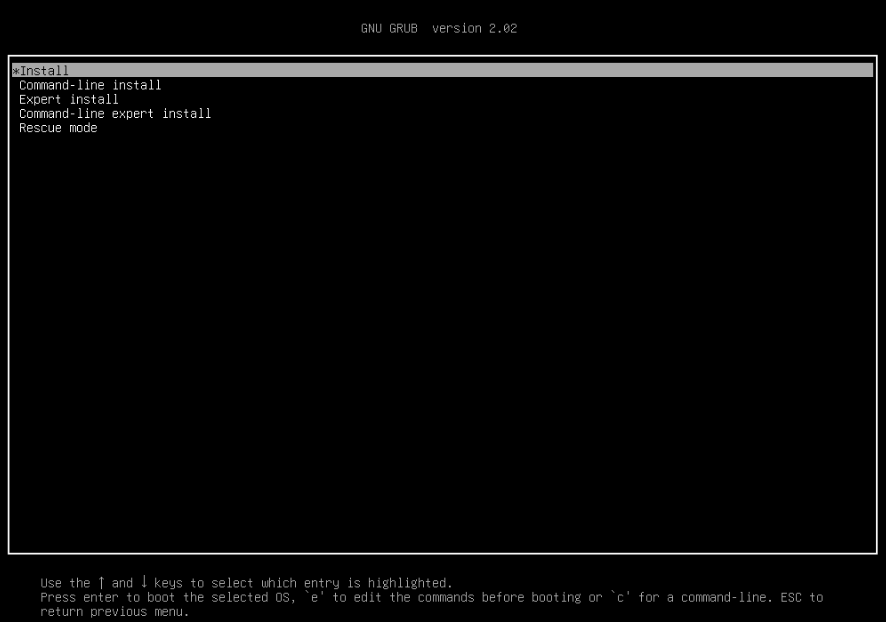
- Enter → Install
- Enlish keyboard, US,
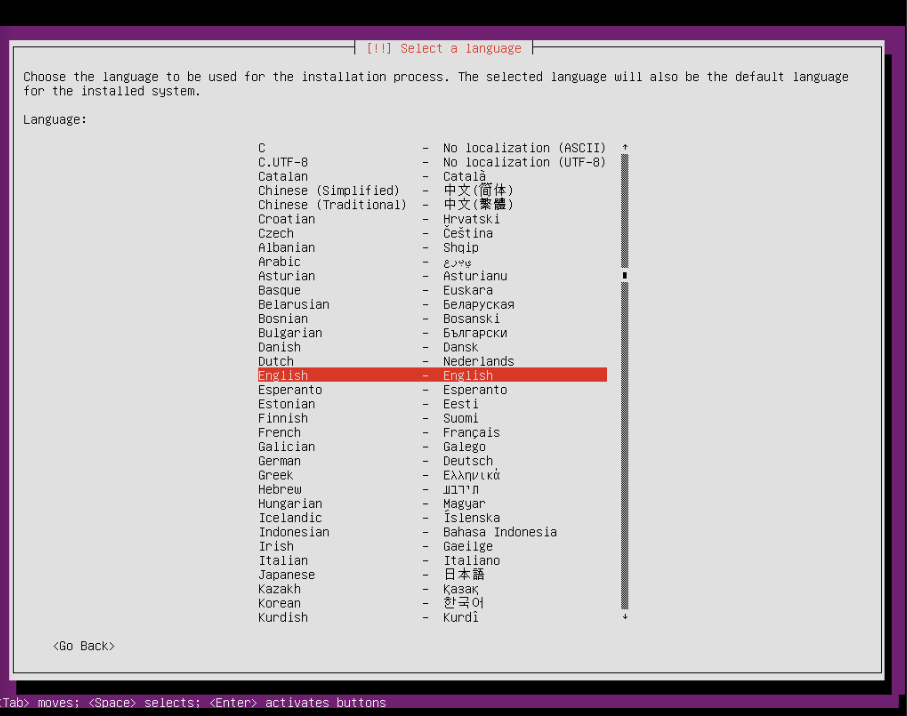
- Select → English → United States.
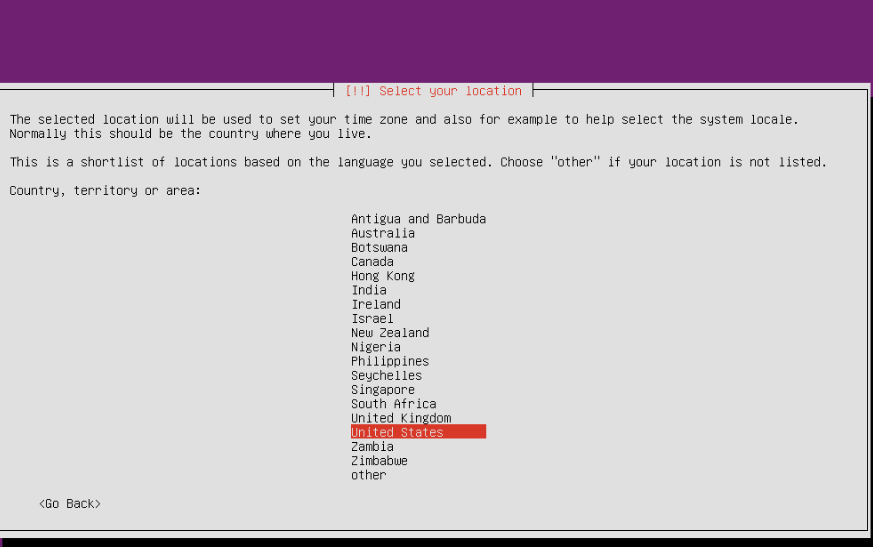
Then press no.
- Select interfaces – eno1 -10gbts
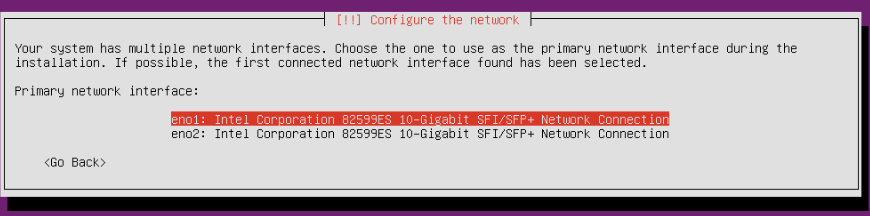
Select first interface.
- Press continue for your own configuration:

- Configure network manually:
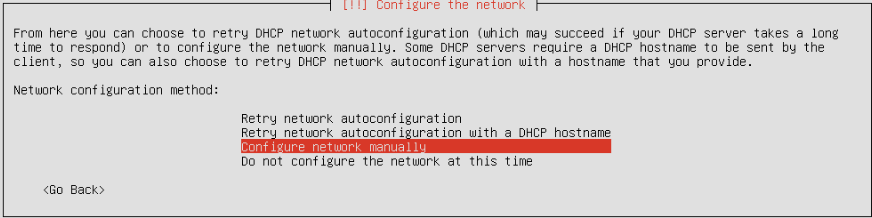
Sellect configure network manually.
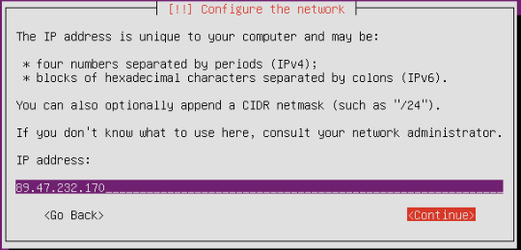
And then press continue after putting the IP.

Then press continue.
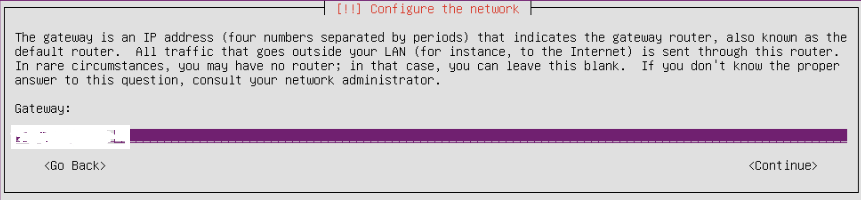
Continue after write the gateway.
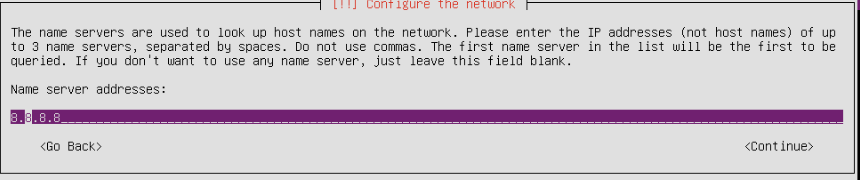
Select the name of server.
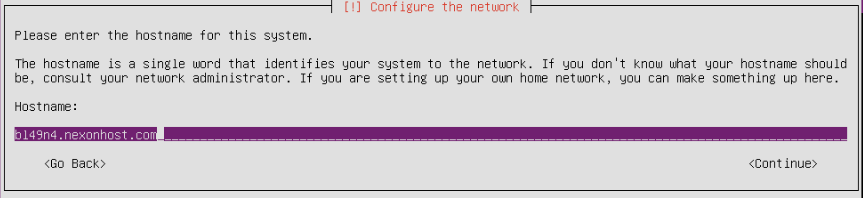
Pres continue after writing the hostname.
- Mirror – Romania – enter – enter
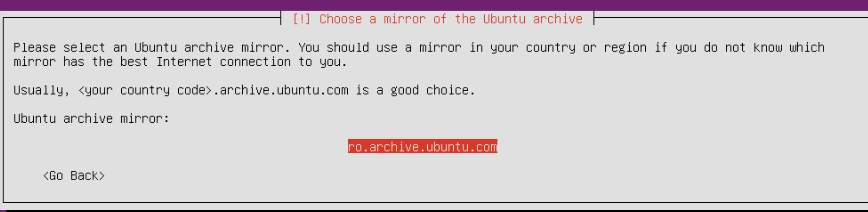
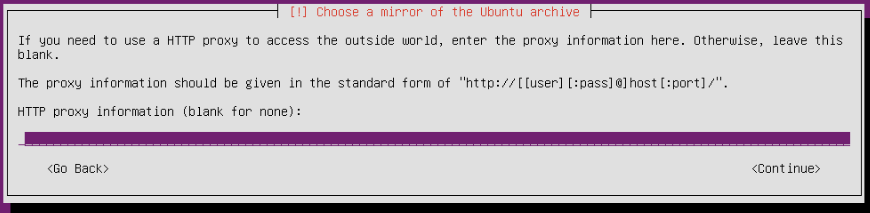
Press continue.
- Enter full name for the new user.
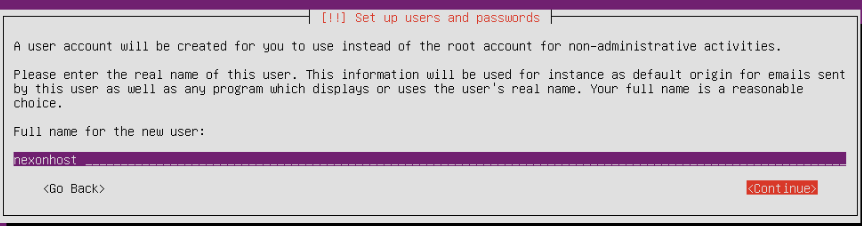
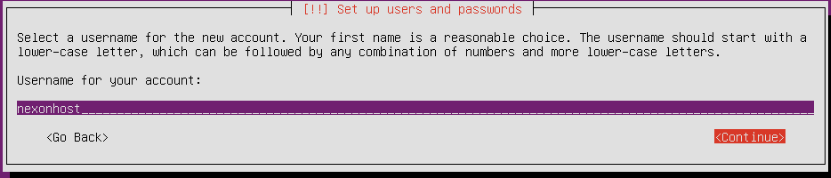
Press continue and chose a password.
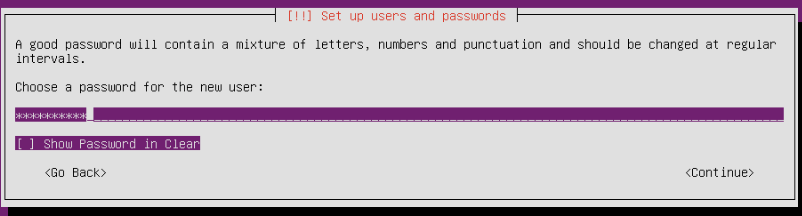
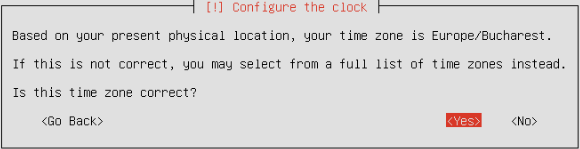
Press yes.
- Partition disk :use entire disk (in case we dont have different configuration).
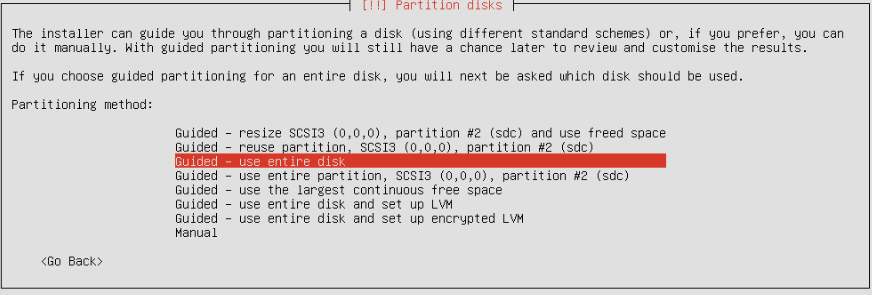

Select the disk where you want to make the partitions.
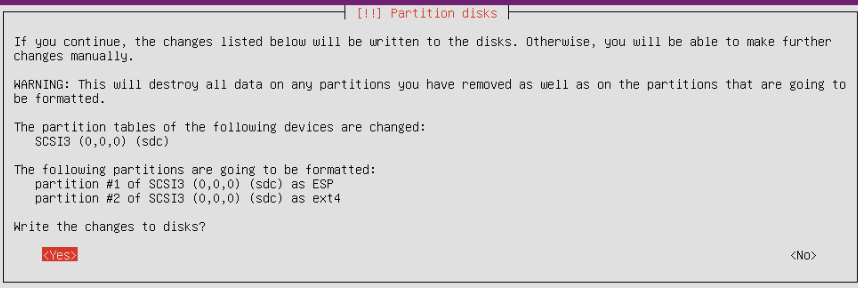
Press yes to write the changes to the disk.
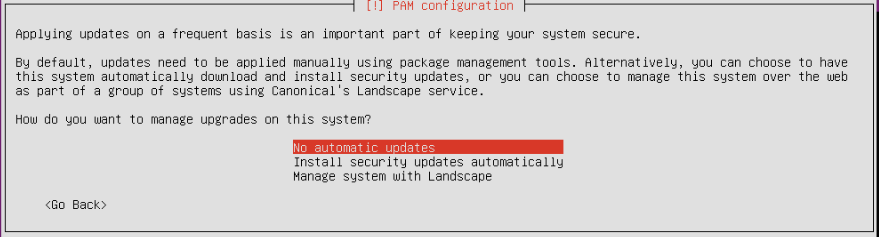
Pam configuration → no automatic updates.
- Software selection:
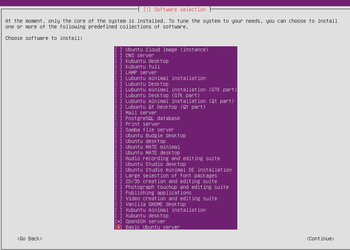
Select -Open SSH server and Basic Ubuntu Server, and then press continue.
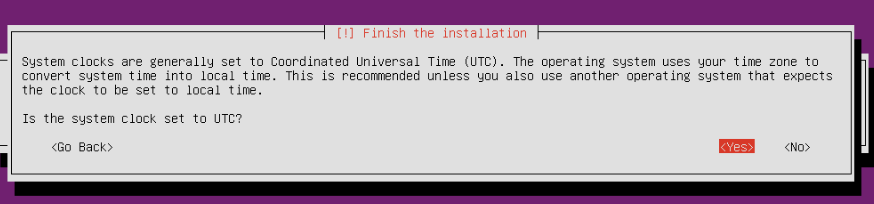
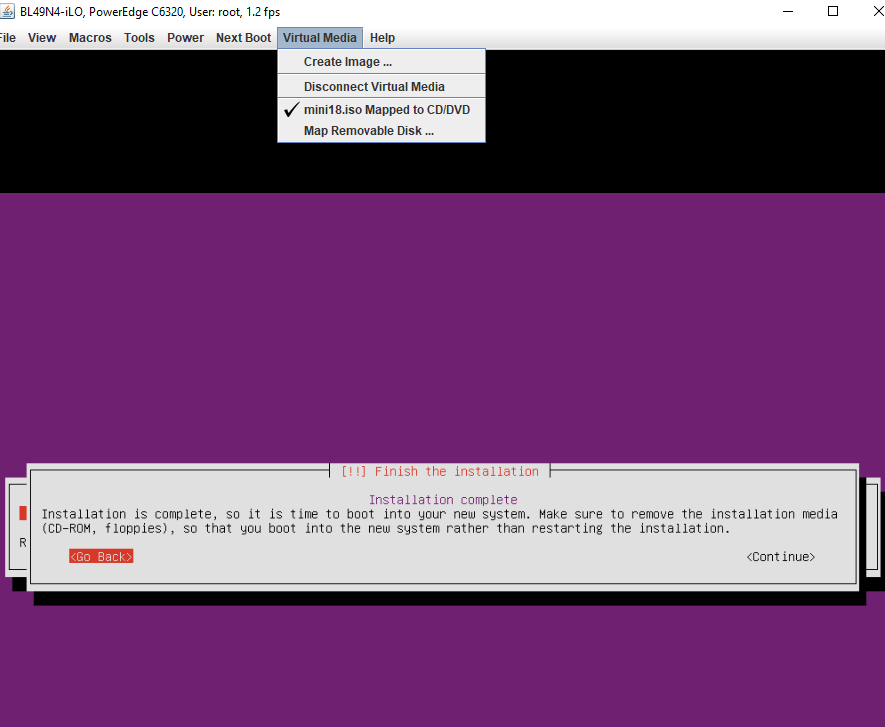
Unmount CD/DVD/ISO from virtual media
Pres Yes to continue.
- Create root password/ enable root access:
ssh nexonhost@89………
sudo -i
passwd
nano /etc/ssh/sshd_config
#PermitRootLogin prohibit-password > PermitRootLogin yes
service sshd restart
#exit
#connect root
deluser nexonhost
echo > .bash_history