






How to access your KVM Java Console from Client Area.
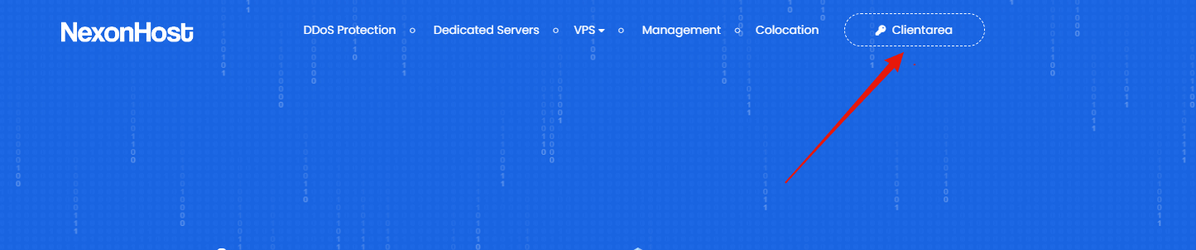
- After you place the order access Client Area from https://nexonhost.com:
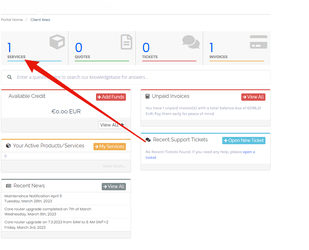
- Access services:
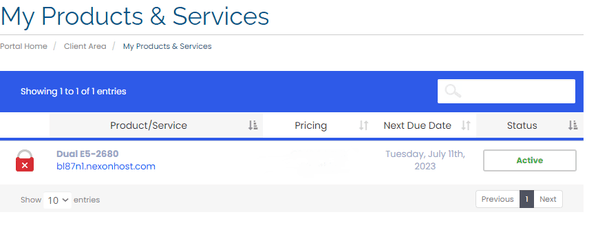
- Click on your product:
- You can access you KVm Java Console from the below buttons :
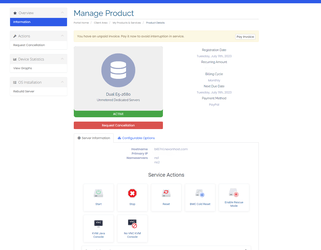
- How to Start, Stop, Reset, Kvm java console:
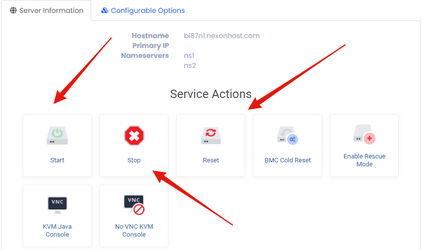
- Start the KVM Java Console:
Press start button:
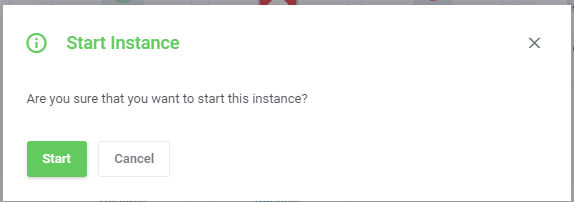
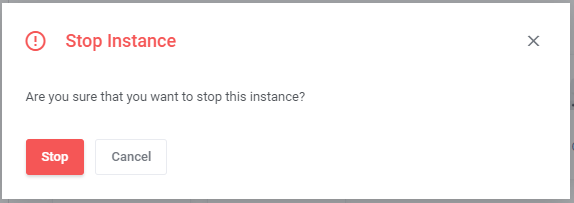
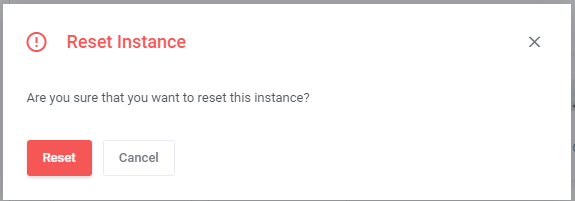
- And if you want to stop or reset the Kvm Java Console click on stop reset button: