WordPress runs on almost anything, which is why its requirements get ignored. The project's own page has quietly moved a long way in recent years, and a large number of live sites are now sitting below the stated floor without anyone noticing — because WordPress does not refuse to start, it just runs on software nobody is patching any more.
Here are the WordPress hosting requirements as wordpress.org publishes them, what they mean when you are choosing a host, and the signals that say a site has outgrown shared hosting.
The official requirements
From wordpress.org, retrieved September 2026:
| Requirement | Stated |
|---|---|
| PHP | Version 8.3 or greater |
| Database | MariaDB 10.11+ or MySQL 8.0+ |
| HTTPS | Required for every install |
| Web server | Nginx or Apache with mod_rewrite recommended |
The project also notes that WordPress will technically operate on PHP 7.4+ and MySQL 5.5.5+, while warning that those versions are past end of life and "may expose your site to security vulnerabilities."
That gap between "will run" and "is supported" is the whole problem. A site on PHP 7.4 works fine, passes no visible test, and is running an interpreter that stopped receiving security fixes in 2022. The plugin ecosystem is moving too: plugin authors increasingly require PHP 8.x, and the site that cannot upgrade PHP eventually cannot upgrade plugins either.
There is one more line on that page worth quoting to any prospective host: WordPress recommends that providers run PHP using individual account credentials rather than a shared server username. On a shared server this is the difference between one compromised site and every site on the box.
What to check before you buy
- PHP 8.3 or newer, and switchable. Not just offered — switchable from a panel, so an upgrade is a decision and not a support ticket.
- MariaDB 10.11+ or MySQL 8.0+. Older MySQL 5.7 stacks are common on cheap shared hosting and are below the stated floor.
- Automatic, renewing TLS. HTTPS is a requirement now, not a feature. Expired certificates are the most common avoidable WordPress emergency.
- Per-account PHP users. As above.
- Real backups you can restore yourself, per site, without asking anybody.
- A staging environment, or at least somewhere to test an update that is not production.
mod_rewriteor the nginx equivalent, for permalinks.
NexonHost's WordPress hosting plans run from a 3 GB Starter tier at €2.49/month to a 40 GB Agency tier at €24.99/month carrying 50 sites, with free SSL, daily backups, DDoS filtering and a specialist-handled migration. That range covers a brochure site through to an agency's client portfolio.
The signals that a site has outgrown shared hosting
Shared hosting is not a lesser product; it is a product with a ceiling. These are the honest signs you have reached it.
Time to first byte is high and it is not the theme. If a cached page serves fast and an uncached one crawls, the bottleneck is PHP execution or the database, and both are contended on a shared box.
Admin work is slow while the front end is fine. wp-admin bypasses page caching entirely. A slow admin on a fast site is a fairly reliable "you are sharing CPU" indicator.
WooCommerce. This is the biggest single dividing line. A store has cart, checkout and account pages that cannot be cached, plus scheduled work, plus inventory writes. A content site is mostly cache hits; a store is not.
Traffic that arrives in bursts. A newsletter, a launch or a link from somewhere popular puts hundreds of people on the site in minutes. Monthly totals do not predict this; concurrency does.
You need something the panel will not give you. Object caching with Redis, a specific PHP extension, a queue worker, WP-CLI on a cron, a custom nginx rule. When the answer to "can I have X" is repeatedly no, you have outgrown the tier rather than the provider.
A plugin or two is doing heavy lifting. Related posts computed at render time, on-the-fly image processing, a search plugin doing table scans. On shared hosting these are noisy neighbours to yourself.
Where to go next, and what changes
| Symptom | Next step | What you gain |
|---|---|---|
| CPU contention, uncached slowness | Linux VPS | Own PHP-FPM pool, own MySQL tuning, Redis |
| Store with real order volume | VPS, then dedicated | Uncached path stops competing with strangers |
| Large media library | Storage VPS | Capacity without paying for compute |
| Sustained high traffic, strict uptime | Dedicated server | Dedicated cores, dedicated memory, dedicated I/O |
| Many client sites | Reseller hosting | Per-client accounts under your own brand |
The honest caveat on moving to a VPS: you become the sysadmin. Kernel updates, PHP-FPM sizing, MySQL tuning, TLS renewal, firewall rules and backups all become yours. That trade is worth it when you actually need the control, and a bad deal when what you needed was a bigger shared plan. If the control is required but the on-call is not wanted, managed infrastructure services cover the maintenance while you keep root.
The five changes that beat an upgrade
Before spending more, spend an afternoon:
- Page caching that actually caches. Verify with response headers, not with the plugin's dashboard. A misconfigured cache plugin that reports "active" and serves nothing is extremely common.
- Object caching with Redis or Memcached, once you control the stack. WordPress's default object cache does not persist between requests; every uncached page rebuilds the same queries.
- Audit plugins by measurable cost, not by count. Deactivate, measure, decide. One plugin is usually most of the problem.
- Serve images properly. Modern formats, correct dimensions, lazy loading, and a CDN in front. Images are most of the bytes and none of the logic.
- Clean the database. Post revisions, expired transients and orphaned metadata grow forever and are never pruned by default.
Done properly, this routinely doubles the traffic a given plan will carry — which is either a saved upgrade or a much better starting point for one.
Security, briefly and without drama
WordPress's own security posture is mostly good; the incidents are mostly plugins, credentials and old PHP. Keep the core and plugins current, remove what you do not use, enforce strong administrator credentials with two-factor, and keep an offsite copy of both files and database — see offsite backup storage for the third-copy arithmetic.
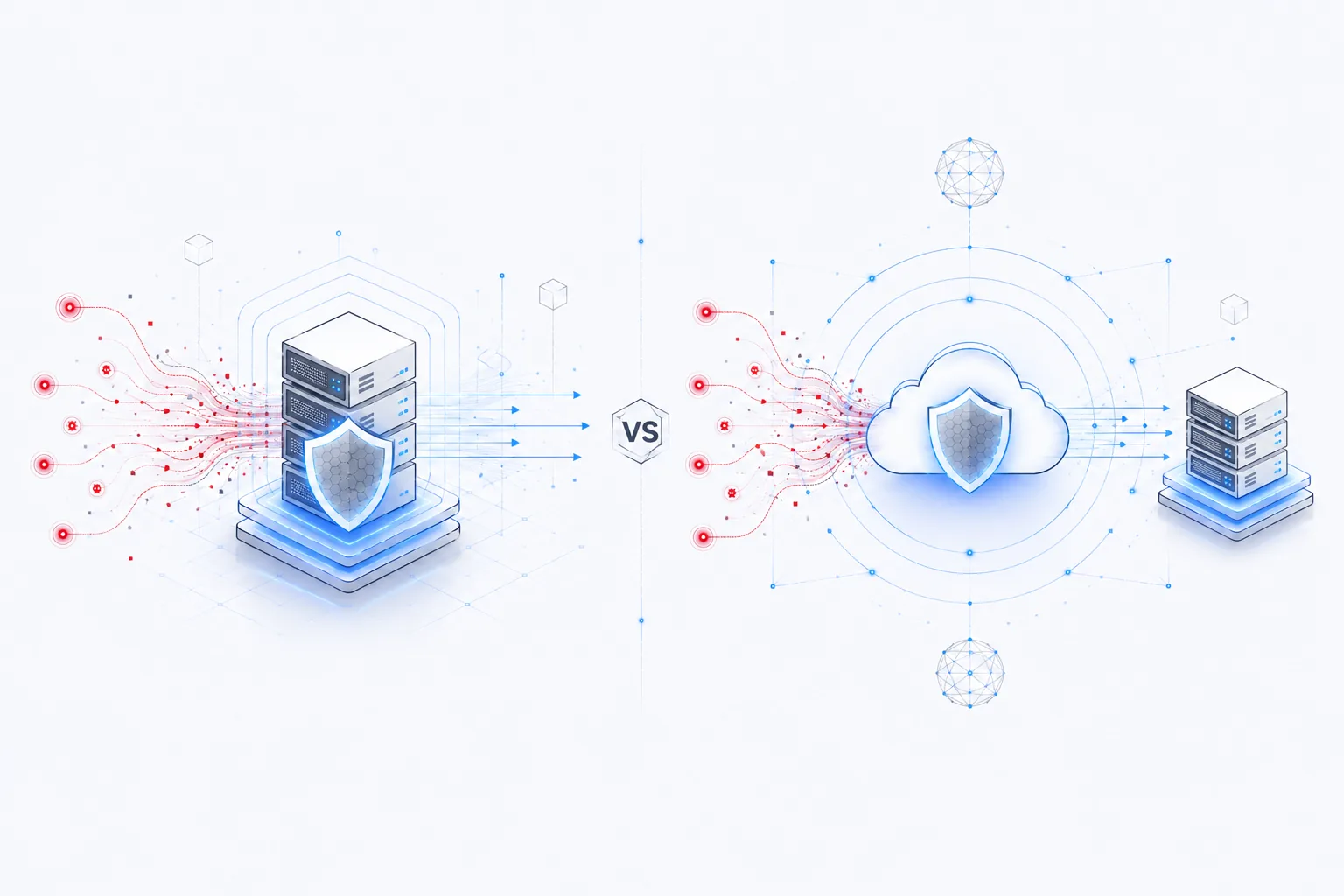
Add network-level filtering if the site is a plausible target. Layer 7 floods against wp-login.php and XML-RPC are routine background noise on the public internet, and they are cheap to absorb upstream and expensive to absorb in PHP. Our DDoS-protected web hosting guide covers what that filtering does and does not do.
The short version
Meet the stated requirements — PHP 8.3+, MariaDB 10.11+ or MySQL 8.0+, HTTPS on every install — and treat anything below them as technical debt with a deadline. Stay on shared hosting until a specific, measurable limit is in your way. Then move for that reason, not for the general feeling that a bigger server would be faster.
Related reading: cPanel vs DirectAdmin vs Plesk, installing a production LAMP stack on Ubuntu, and reseller hosting margins.
Sources
- Requirements, WordPress.org, retrieved 7 September 2026 — PHP 8.3+, MariaDB 10.11+ or MySQL 8.0+, HTTPS required for every install, and the recommendation that hosts run PHP under individual account credentials.
- Supported Versions, PHP.net, retrieved 7 September 2026.
- Plan specifications and pricing as published on nexonhost.com on 7 September 2026; check the product page for current figures.