How to access your KVM Java Console from Client Area.
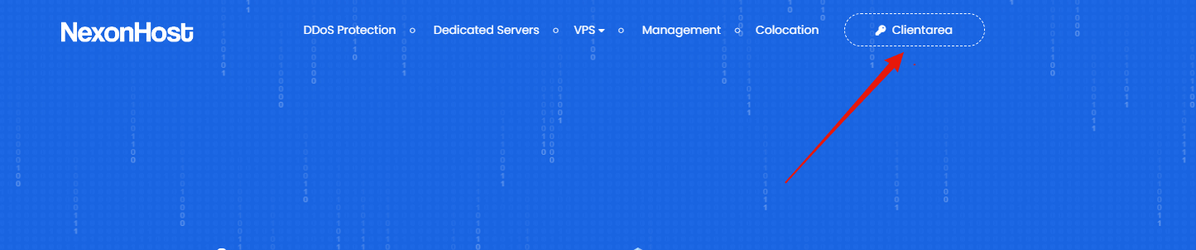
- After you place the order access Client Area from https://nexonhost.com:

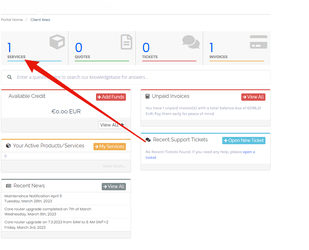
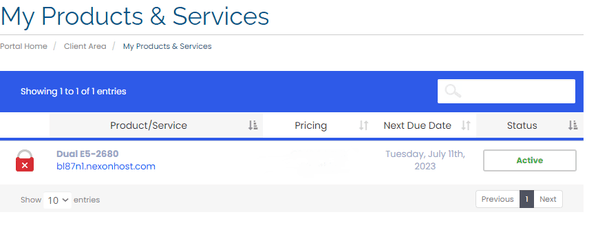
- Access services:

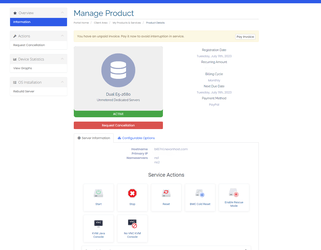
- Click on your product:

- You can access you KVm Java Console from the below buttons :

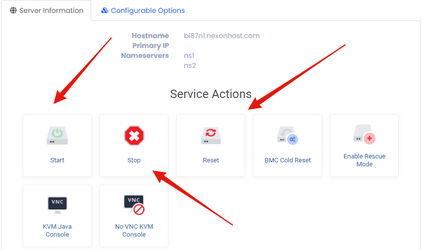
- How to Start, Stop, Reset, Kvm java console:

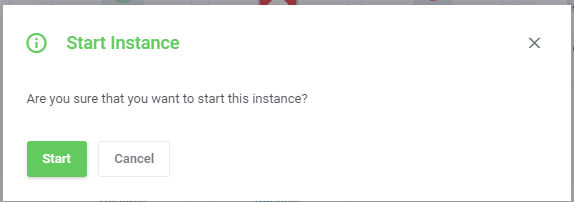
- Start the KVM Java Console:
Press start button:

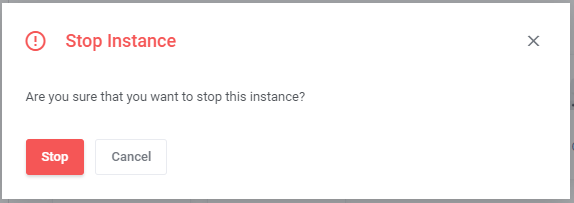
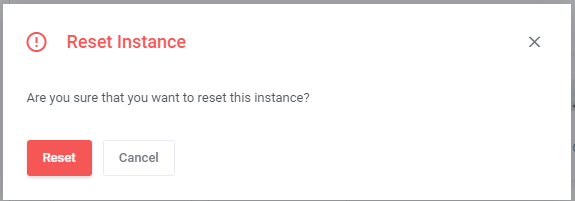
- And if you want to stop or reset the Kvm Java Console click on stop reset button: